Free UK mainland delivery

AI artwork printing

Print your AI-made designs, checked by a real person

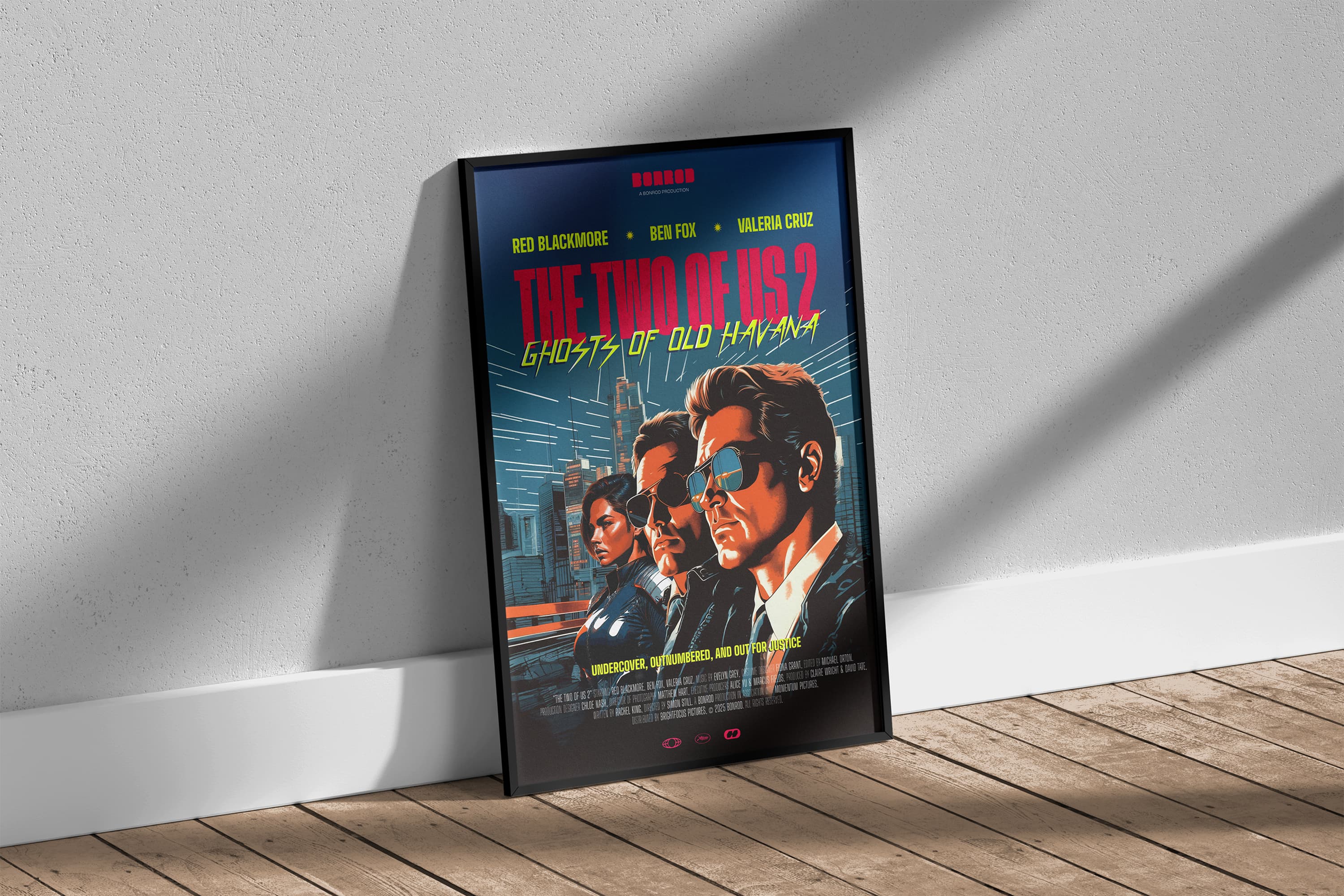
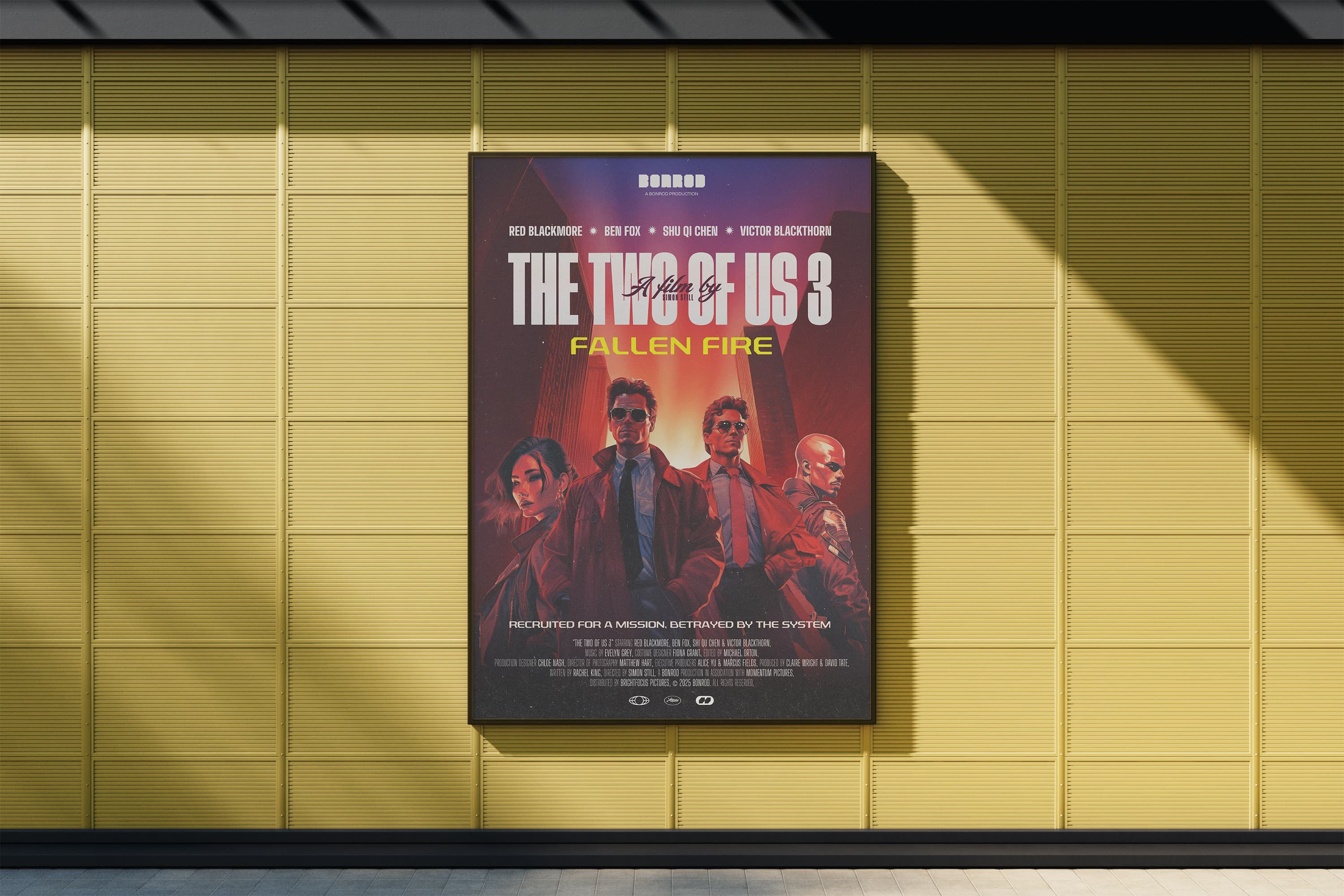
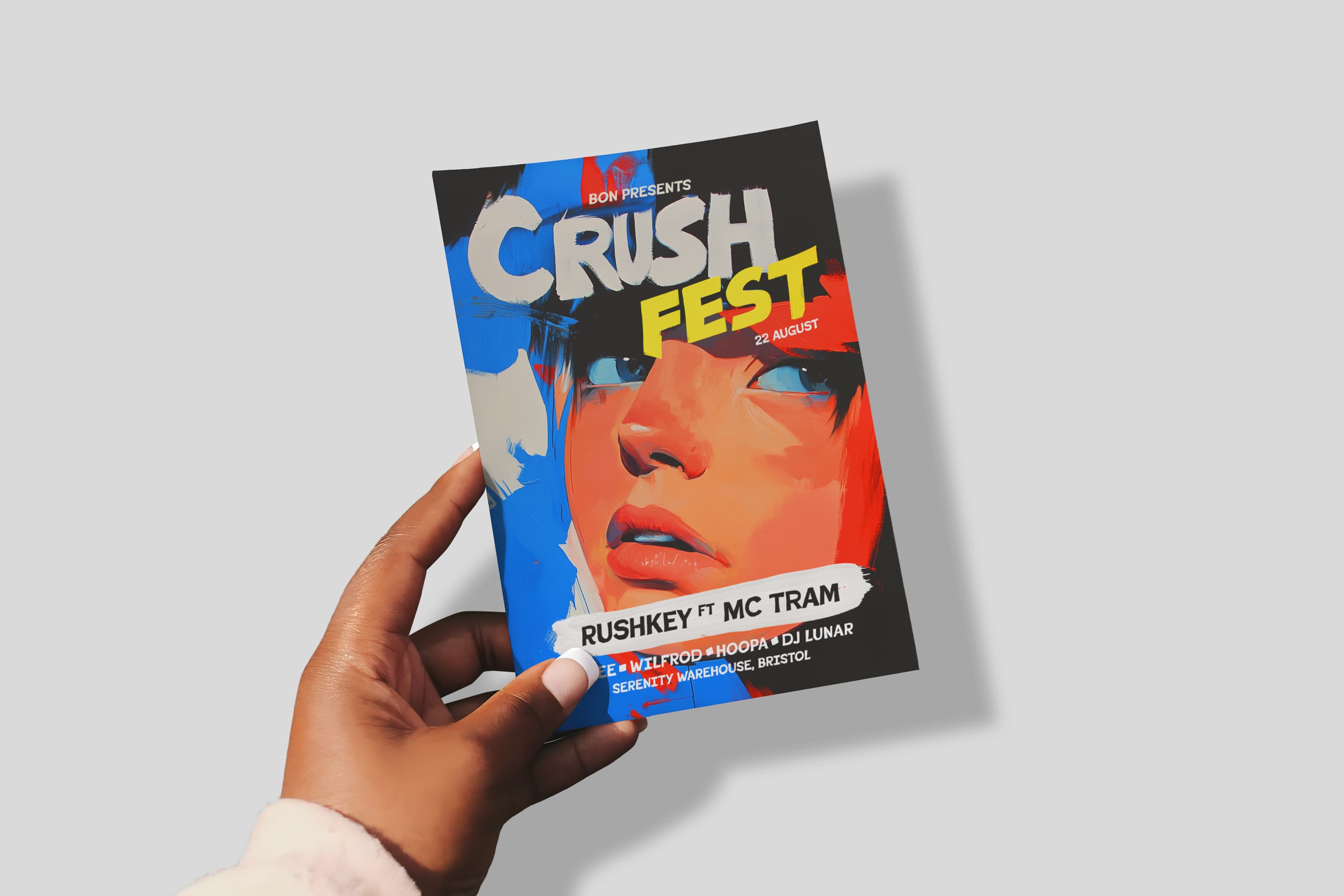
Designed your flyer in ChatGPT? Made a poster in Canva or Midjourney? We'll print it. Every file is checked by a member of our team before it goes to print, so blurry images, cut-off edges and AI spelling mistakes get spotted before they end up on paper.

  • Free human artwork checkA real person reviews every file, on every order.
  • Proof before printNothing is printed until you approve it.
  • Free UK mainland deliveryTracked, with no minimum spend.

Not sure it's ready? Order anyway and choose “Upload later”. We'll help you get it right.

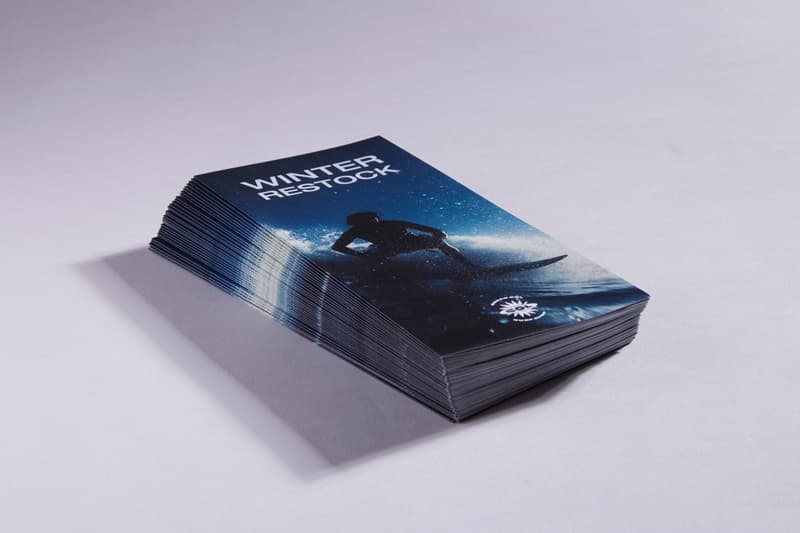
Printed flyers laid out on a table

Yes, we print AI-generated artwork

More and more of the files we receive were made with AI tools, and that's fine by us. AI is a quick, affordable way to get a design together, especially if you don't have a designer.

The catch is that most AI tools are built for screens, not paper. A design that looks perfect on your phone can print blurry, get trimmed at the edges, or carry a spelling mistake nobody noticed. That's why we check every file by hand, for free, before anything is printed.

You don't need to know what “bleed” or “CMYK” means. That's our job.

Six things that go wrong when AI artwork is printed

These are the issues we see most often in AI-made files. Our team checks for every one of them.

1. Too low resolution (blurry print)

Many AI tools create images around 1,000 to 1,500 pixels wide. That looks sharp on a screen, but at print quality (300 dpi) a 1,024-pixel image only covers about 8.7 cm. Stretch it to fill an A5 flyer and it turns soft and fuzzy.

What we do: we check the effective resolution at your chosen size and tell you before printing if it will look blurry.

Check your image's print size
2. Wrong shape for the product

AI tools usually offer a few fixed shapes: square, portrait or landscape. A-sizes (A6, A5, A4 and so on) are a different shape, about 1 : 1.41. A square image on an A5 flyer has to be cropped or will leave white space.

What we do: we flag shape mismatches and tell you what will be cropped.

3. No bleed, so edges get cut

Print is trimmed after printing, so backgrounds need to run 3 mm past the edge (“bleed”). AI designs usually stop exactly at the edge, and text often sits right up against it.

What we do: we check for bleed and for text too close to the trim.

Read about bleed and safe areas

4. Spelling mistakes and garbled text

AI image tools still get text wrong: swapped letters, invented words, phone numbers with a digit missing, prices that don't match. It's the most common problem we see, and the easiest to miss on a phone screen.

What we do: a real person reads your design and points out anything that looks wrong. Please still check every word, number and date yourself on the proof.

5. Screen colours that print duller

Screens show colour in RGB; printers use CMYK inks. Very bright neon greens, electric blues and vivid oranges can come out duller on paper.

What we do: we convert your file and warn you if a colour is likely to shift noticeably.

6. Text baked into the picture

When text is part of the AI image itself, it can't be edited, and small text can look fuzzy once printed.

What we do: we flag small or soft text. For the sharpest result, add your text in Canva or another editor on top of the AI image.

How to turn an AI design into a print-ready PDF

How big can your AI image print?

At normal reading distance, flyers, cards and booklets need about 300 pixels per inch (dpi) to look sharp. Posters seen from further away can get away with about 150 dpi. Here's how many pixels you need, including 3 mm bleed:

Pixels needed for each product, including 3 mm bleed
ProductFinished sizePixels for sharp print (300 dpi)Minimum for posters (150 dpi)
Business card85 × 55 mm1,075 × 720—
A6 flyer105 × 148 mm1,311 × 1,819—
DL flyer99 × 210 mm1,240 × 2,551—
A5 flyer148 × 210 mm1,819 × 2,551—
A4 flyer or poster210 × 297 mm2,551 × 3,5791,276 × 1,789
A3 poster297 × 420 mm3,579 × 5,0311,789 × 2,516
A2 poster420 × 594 mm5,031 × 7,0872,516 × 3,543
A1 poster594 × 841 mm7,087 × 10,0043,543 × 5,002

Quick guide for typical AI image sizes

How wide typical AI image sizes print
Image widthSharp at 300 dpi up toAcceptable at 150 dpi up to
1,024 pxabout 8.7 cmabout 17 cm
1,536 pxabout 13 cmabout 26 cm
2,048 pxabout 17 cmabout 35 cm
4,096 pxabout 35 cmabout 69 cm

Don't want to do the maths? Use our free print size checker. Drop your image in and it tells you which products it will print well on.

Open the print size checker

How ordering AI artwork works

  1. Choose your product.Pick the size, paper and quantity. Prices are shown up front.

  2. Upload your file, or upload later.We accept PDF, JPG, PNG, AI and PSD files up to 100 MB. Not ready yet? Choose “Upload later” and we'll email you a secure link.

  3. We check it by hand.A member of our team reviews your file for resolution, shape, bleed, text near the edges, colour and obvious typos. If something will print badly, we tell you and explain your options.

  4. You approve the proof.We email you a proof to review. Nothing goes to print until you approve it. Spotted something? Reject it with a comment and upload a new file.

  5. We print and deliver for free.Free tracked delivery to the UK mainland. Express options on selected products.

Get a better result: start with the right size

The easiest way to avoid problems is to design at the right size from the start.

  • Use a free template. We have 300+ free PDF templates with bleed, trim and safe areas marked, for business cards, flyers, booklets, posters, stickers, banners and more. Open one in Canva, Affinity, Illustrator or InDesign and place your AI image on it.Browse free templates
  • Ask your AI tool for the right shape. Pick portrait for flyers and posters, and ask it to keep important details away from the edges.AI prompts for print-ready designs
  • Add text separately. Generate the picture with AI, then add your headline, phone number and prices in an editor. The text stays crisp and you can fix mistakes easily.
  • Upscale if you need to. Many AI tools and photo editors have an “upscale” option that doubles or quadruples the pixel count. Upscale first, then check the size again.Is my AI image high enough resolution?

Popular products for AI-made designs

See all products

What our free artwork check covers

Included on every order:

  • Image resolution at your chosen size
  • Shape and cropping for your product
  • Bleed and trim
  • Text and logos too close to the edge
  • RGB-to-CMYK colour conversion, and warnings about big colour shifts
  • Small or blurry text
  • Obvious spelling and number mistakes we notice
  • Correct page order for double-sided and multi-page items

What it isn't:

Our check isn't a full design or proofreading service. We'll point out problems and explain how to fix them, but we can't redesign your artwork or guarantee we've caught every typo. You approve the final proof, so please read every word, date and phone number carefully.

A quick note on images, logos and characters

You're responsible for having the right to print everything in your design, whether a person or an AI made it. Avoid AI images that copy well-known logos, brands, cartoon characters or celebrities, and check your AI tool's terms for commercial use. See our terms and conditions for details.

AI artwork printing: your questions answered

Do you accept artwork made with ChatGPT, Canva, Midjourney or other AI tools?

Yes. We print artwork made with any tool, including AI image generators. Every file gets the same free check by a real person before printing.

Will my AI image be good enough to print?

It depends on the image's pixel size and the product size. As a rule of thumb, a 1,024-pixel-wide image prints sharply at about 8.7 cm wide. That's fine for a business card, but too small for a sharp A5 flyer. Use our free print size checker to see what yours will print well on.

What happens if my file is too low resolution?

We'll contact you before anything is printed, explain how it will look, and suggest options. You can upscale and re-upload, choose a smaller product, or go ahead if you're happy with a softer result.

Can you fix the spelling mistakes in my AI design?

We'll point out mistakes we spot, but if the text is part of the image itself we can't edit it. The quickest fix is to remove the text in your AI tool or editor and type it back in on top. Our guide to turning an AI design into a print-ready PDF shows how.

Do I need to convert my AI image to CMYK?

No. We convert files for print as part of our check. Very bright screen colours, especially neon greens and blues, may print slightly duller, and we'll warn you if a big shift is likely.

What file should I upload: PNG, JPG or PDF?

A print-ready PDF gives the best result, but we accept PDF, JPG, PNG, AI and PSD files up to 100 MB. If you only have the PNG or JPG your AI tool produced, upload that and we'll check it.

My AI image is square. Can I print it as an A5 flyer?

Yes, but it will need to be cropped or have space added, because A5 is taller than it is wide. Place it on our free A5 template to see exactly how it will sit, or ask your AI tool for a portrait image instead.

How do I add bleed to an AI image?

Make the image slightly bigger than the finished size, 3 mm extra on every side, so the background runs past the trim. Our templates have the bleed marked. In Canva, download as “PDF Print” and tick “Crop marks and bleed”.

Is it legal to print AI-generated images?

Generally yes, but you're responsible for having the rights to everything in your design. Avoid images that copy real brands, logos, characters or people, and check your AI tool's terms for commercial use.

How quickly can I get my AI-designed flyers?

Express printing is available on selected products and typically dispatches within 1–2 working days of proof approval. Standard turnaround is longer and cheaper. Delivery to the UK mainland is free. See delivery and turnaround.

Ready to print your AI design?

Upload your file and a real person will check it, for free, before anything is printed.