AI prompts for print-ready flyers, posters and cards
A few extra words in your prompt can save you a reprint. These prompts help you get designs that are the right shape, keep important details away from the edges, and leave room for text you add yourself.
By OlivePrint team · Published

Three rules for any AI print design
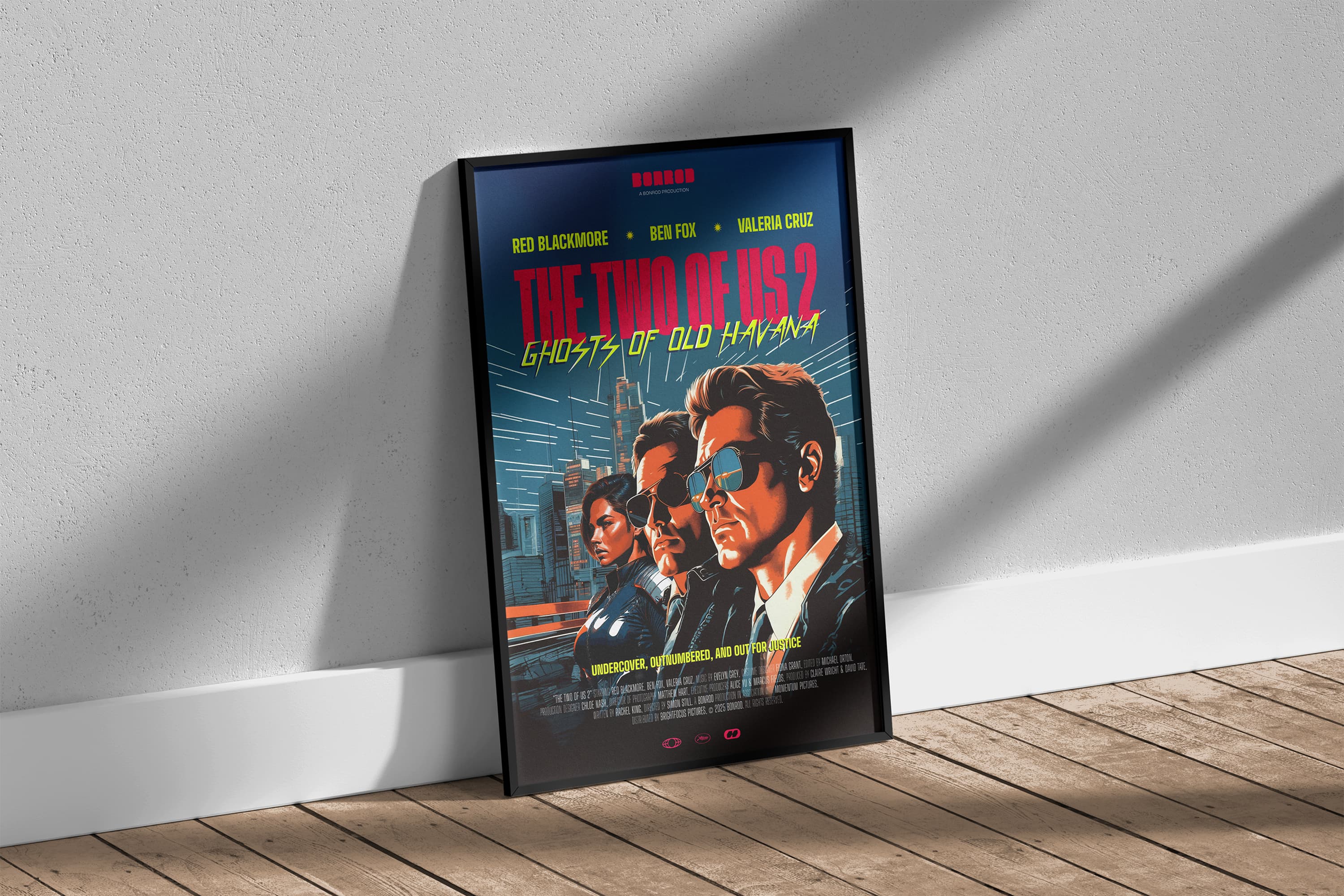
- Choose portrait for flyers and posters. A-sizes are tall rectangles (about 1 : 1.41). The nearest common AI shape is usually 2:3 portrait.
- Keep the important stuff in the middle. About 3 mm is trimmed off every edge, so nothing important should touch it.
- Leave text out of the image. AI still misspells words. Generate the picture, then type your text on top in an editor.
Prompt templates
Copy a prompt, then replace the words in curly brackets with your own.
Create a portrait (2:3) background image for a printed A5 event flyer for {event}. Style: {style}. Leave a clear, uncluttered area in the top third for a headline and in the bottom quarter for details. Extend the background colours and patterns all the way to every edge. Keep all important objects well away from the edges. Do not include any text, letters or numbers.
Create a portrait (2:3) poster illustration of {subject} in {style}. High detail, clean edges, no text. Keep the main subject centred with generous space around it. The background must fill the entire canvas edge to edge.
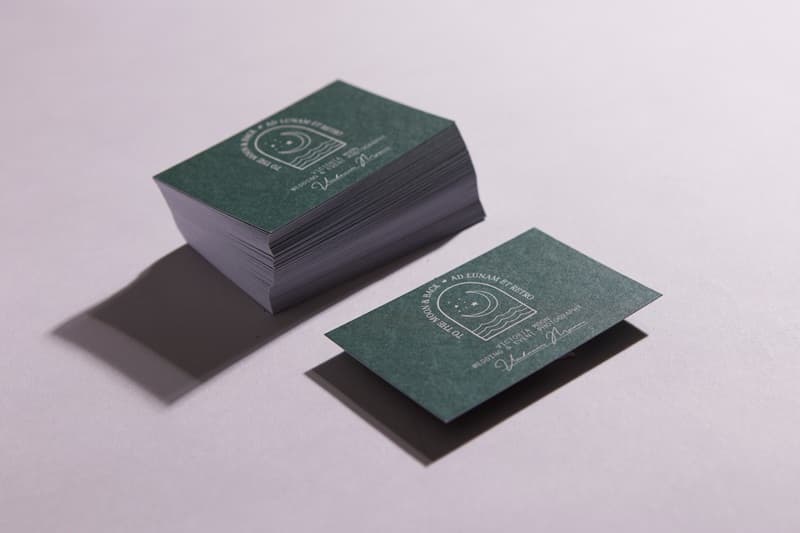
Create a landscape background design for a business card for a {business type}. Minimal, {colours}, subtle pattern. Leave the left half calm and plain for text. No text or logos. Fill the whole canvas.
Create a square illustration of {subject} for a printed circular sticker. Centre the subject with a clear margin around it, on a solid {colour} background that fills the canvas. Bold shapes and thick outlines that stay clear when printed small. No text.
Create a portrait (2:3) background for a printed A4 menu for a {cuisine} restaurant. Decorative border inset from the edge, plain light central area for text. No words, prices or numbers.
Then finish it in an editor
Place the image on our free template for your product, add your text, check the bleed, and export a PDF. See how to turn an AI design into a print-ready PDF.
Check before you order
Run your image through the print size checker. When you order, a real person still checks every file for free.